How It Works
Gameday’s trading process is intended to be intuitive for users familiar with traditional exchanges, while integrating the benefits of blockchain technology.
1. Connect Your Wallet
Begin by connecting an Optimism-compatible wallet, such as MetaMask. This step establishes your identity and ensures that your assets remain under your control until you choose to trade or settle.
- Click Connect Wallet button.
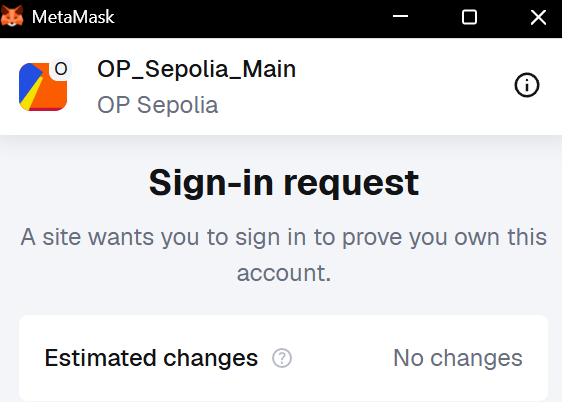
- Once connected, you will be prompted to sign a SIWE message to verify your identity.
1.a. Approve Allowance
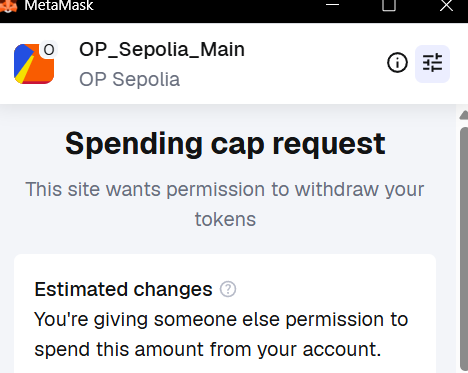
Before trading, you should set USDC ERC20 allowance for the Gameday Exchange contract. This sets a maximum amount of funds that the contract can access for trading, providing an additional layer of security and control over your assets.
- Click
Allowancebutton.
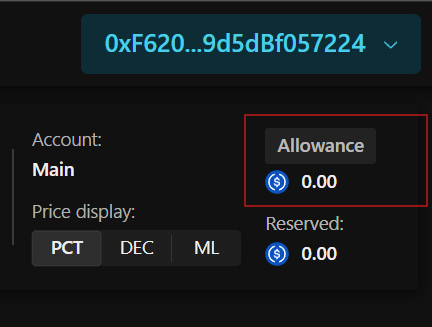
- Enter allowance amount - this will set a limit on how much you can spend on the exchange from your account.
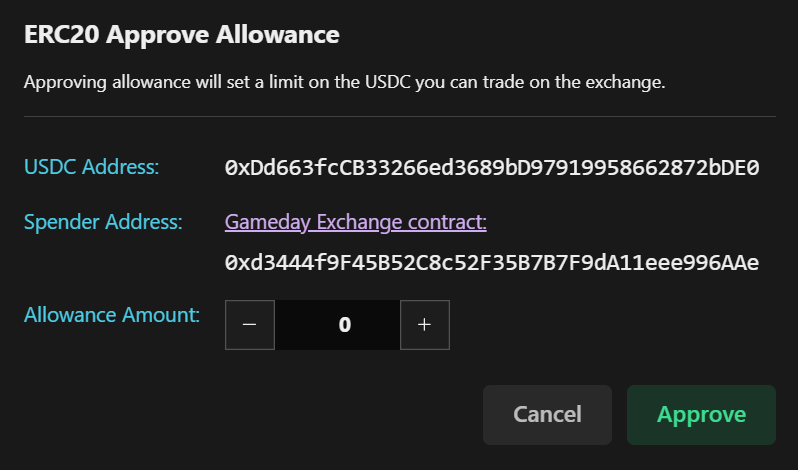
- Approve spending cap request, verify that it is our Exchange contract.
2. Select a Market
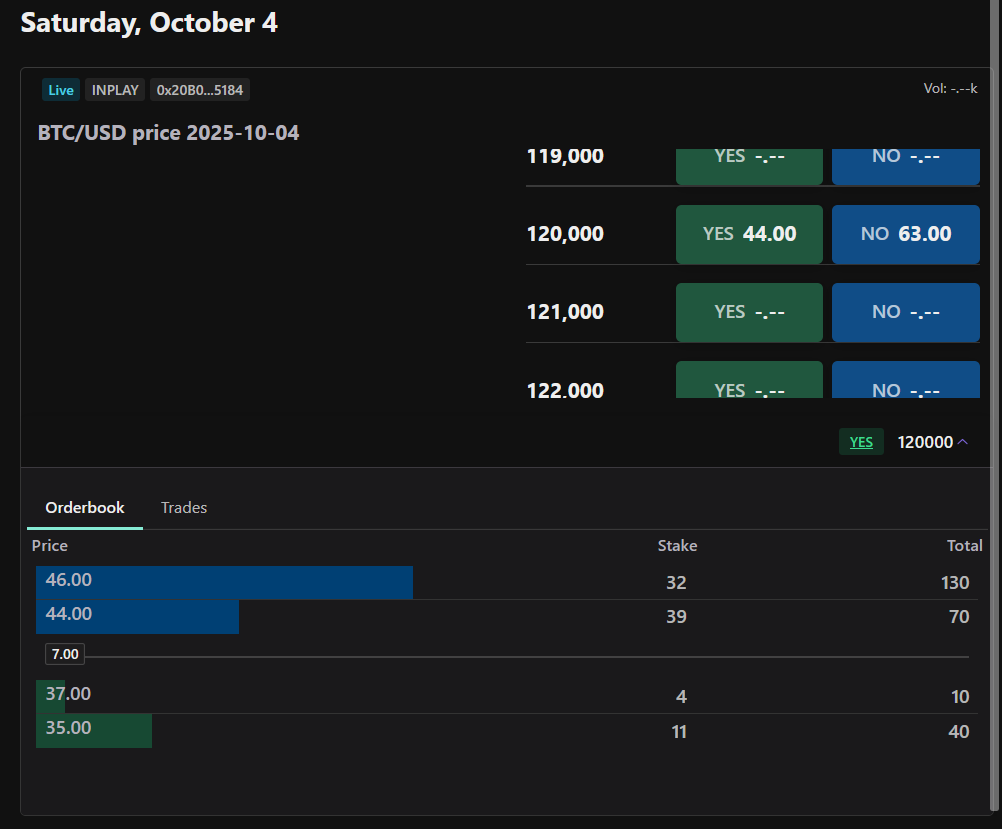
Explore available events through the web interface or programmatically via the REST API. Each market represents a binary contract with two possible outcomes (“Yes” or “No”), allowing you to take a position on the result of an event.
3. Place an Order
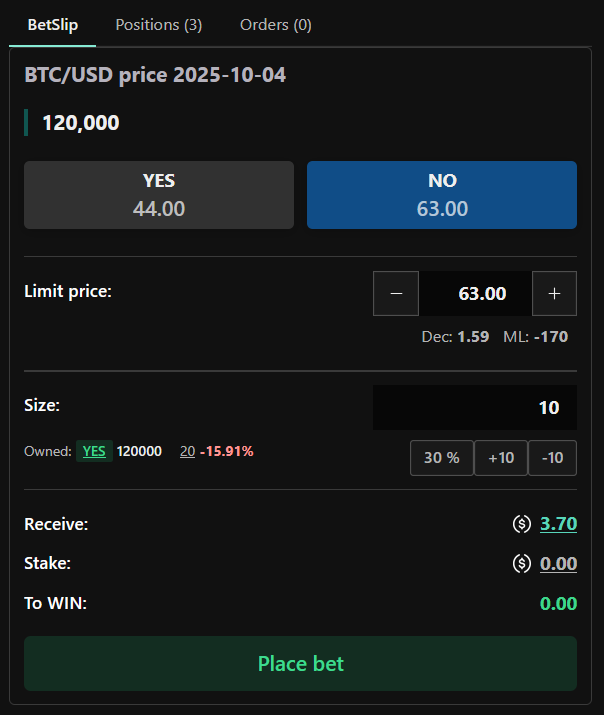
Specify your desired price and quantity for a contract. You may also set order expiry time, otherwise orders remain open until matched with a counterparty. Once submitted your order will be immediately reflected as change in depth of the order book.
4. Matching and Execution
Orders are matched based on price-time priority within the central limit order book. Once a match occurs, the trade is executed on the corresponding Market smart contract allowing you to seemlessly buy and sell event contracts.
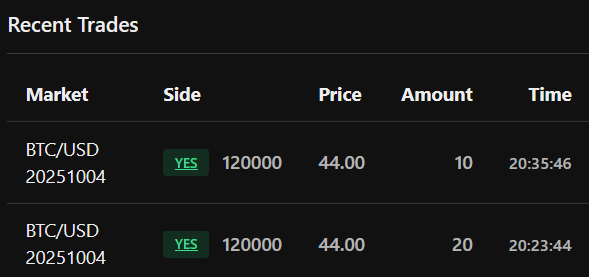
Trades feed
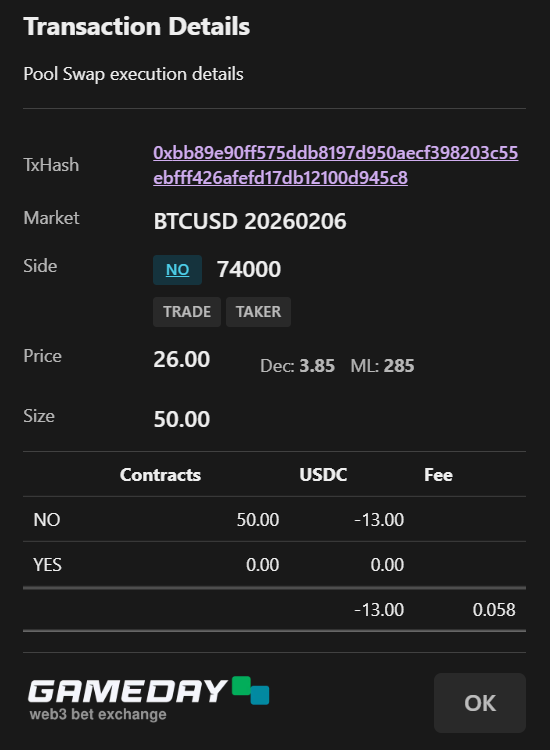
Pool swap execution details
5. Event Resolution
After the event concludes, the Market smart contract receives the finalized outcome from the Gameday Oracle. Following resolution, users can claim any resulting payouts directly from the Market contract, with all transactions recorded immutably on the blockchain.
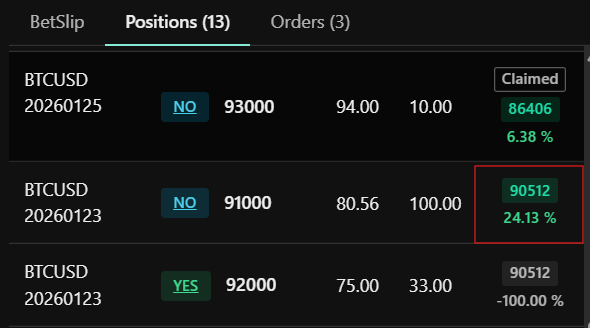
- Settled positions are avaiable under positions tab:
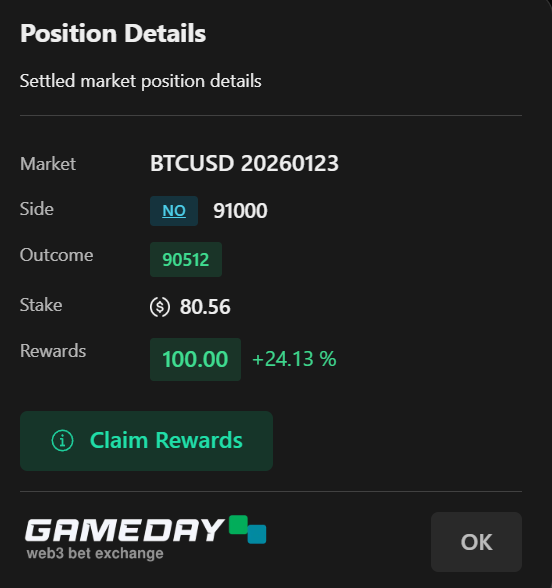
- User can call sweepRewards function on the Market contract, which transfers winnings to the user from all sides of this market.
6. Settlement Fees
A fee is applied to each executed trade and settled payout. These fees are programmatically transferred to the Staking Pool and distributed to pool participants, supporting the ongoing operation and security of the ecosystem.
Trade execution fee formula:
FEE = CONTRACTS * (1 - EXECUTION_PRICE) * TRADE_FEERATE * EXECUTION_PRICE
Settlement payout fee formula:
FEE = CONTRACTS * SETTLEMENT_FEERATE